

Datadog is a SIEM data source. AiStrike ingests Datadog logs and security-monitoring signals to triage alerts and enrich investigations. Many teams route other alert sources (for example, IdPs) into Datadog and connect AiStrike to Datadog rather than to each source system.◼︎
Prerequisites
-
A Datadog account with admin access to create API and Application keys.
-
Both an API Key and an Application Key are required to enable the integration.
Step 1: Create a Datadog API Key
-
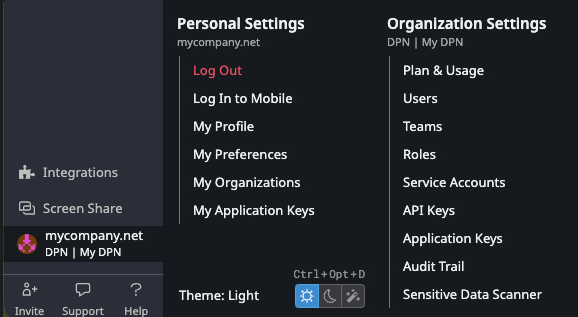
In your Datadog dashboard, click your organization icon in the lower-left corner and go to Organization Settings → API Keys.
-
Click New Key.

-
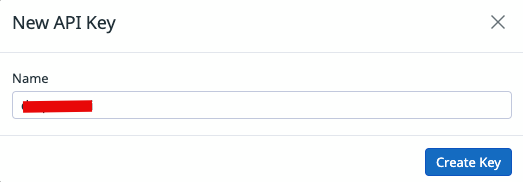
Give it a recognizable name (e.g.
aistrike), then click Create Key.
-
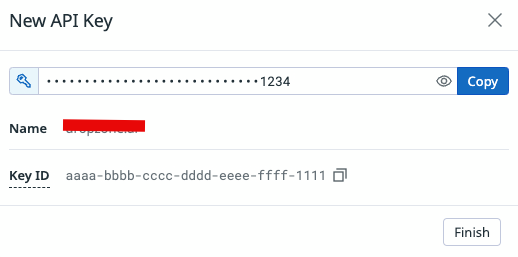
Copy the generated key value and store it securely — this is your API Key. Click Finish.
Step 2: Create a Datadog Application Key
-
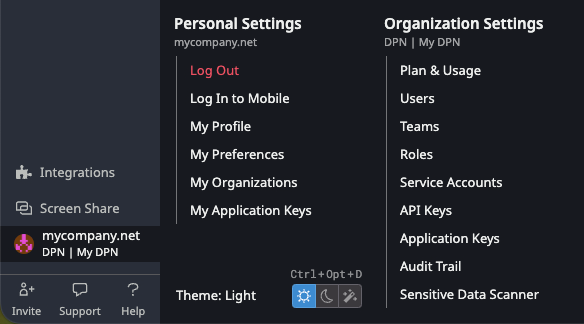
From the same organization menu, go to Organization Settings → Application Keys.
-
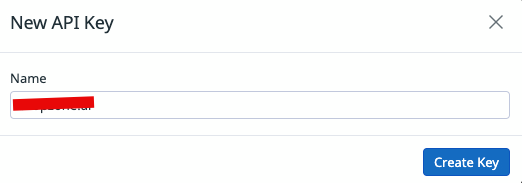
Click New Key.

-
Name it (e.g.
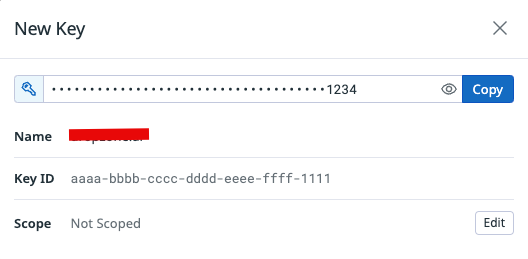
aistrike), then click Create Key.
-
In the Scope section, click Edit.
-
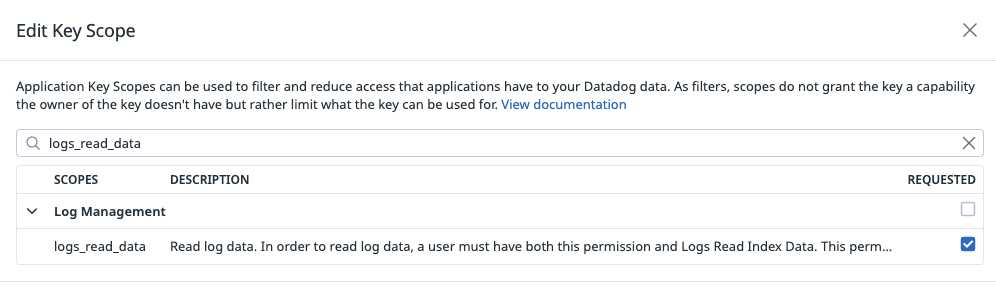
Assign the following scopes, then click Save:
-
logs_read_data -
security_monitoring_signals_read
-
-
Copy the generated key value — this is your Application Key. Click Finish.
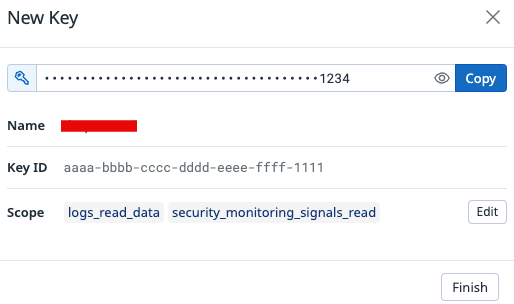
Application Key scopes only limit what the key can access — they don't grant capabilities the key owner doesn't already have. The two scopes above give read access to logs and security-monitoring signals.
Connector configuration reference
|
Field |
Value |
|---|---|
|
API Key |
The Datadog API key value generated in Step 1 |
|
Application Key |
The Datadog Application key value generated in Step 2 |
|
Datadog Site |
The same as your Datadog URL, e.g. |
If you hit any errors during Test & Save, contact your AiStrike support representative.